
en:hardware:setups
Table of Contents
Hardware Setups
OpenTrafficMap Node/Receiver
Fixed Setups
IEEE 802.3af PoE
- PoE jumper in position
802.3af - connected to an 802.3af PoE injector

Passive PoE
- PoE jumper in position
passive
Mobile Setups
Ethernet-Adapter
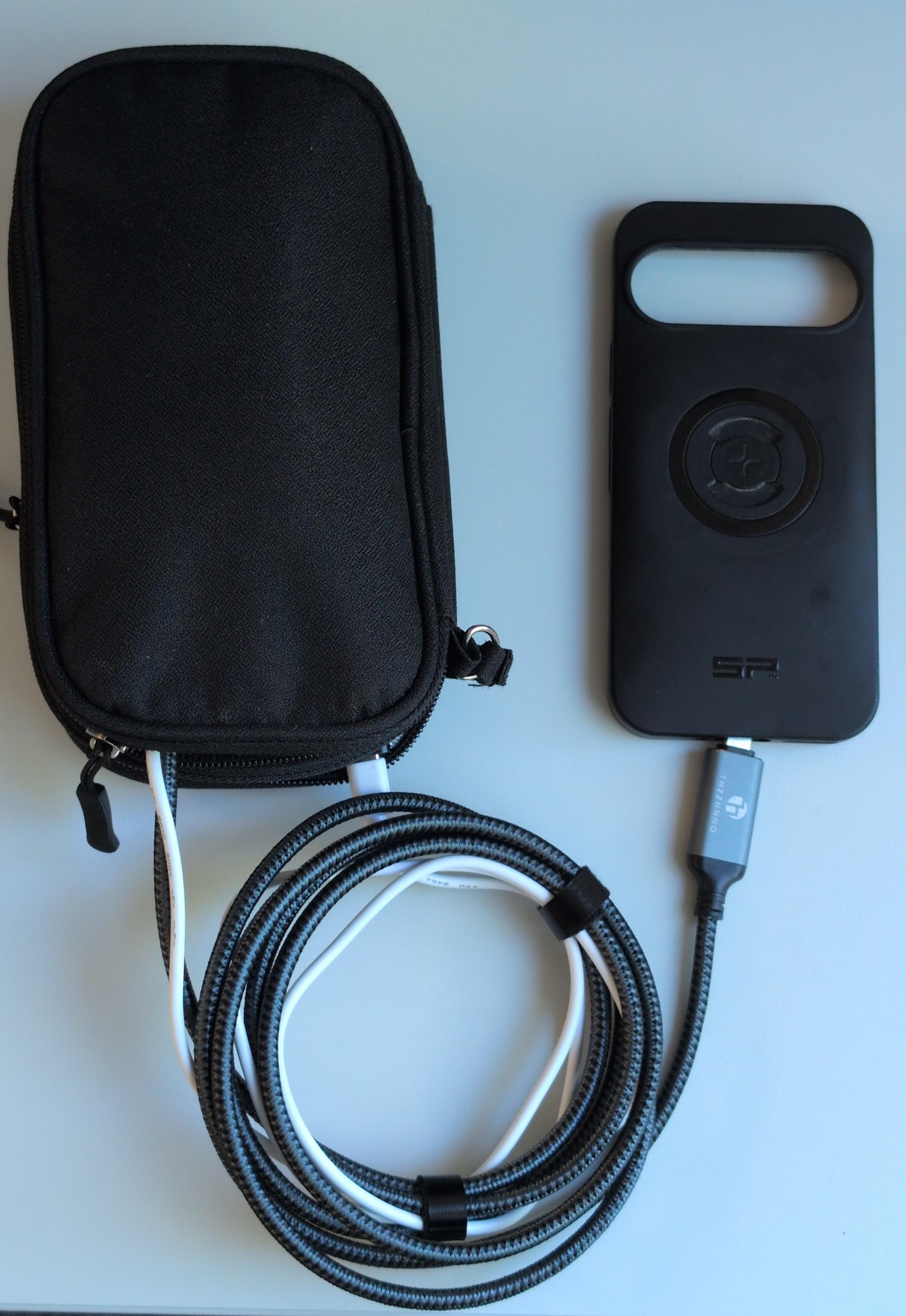
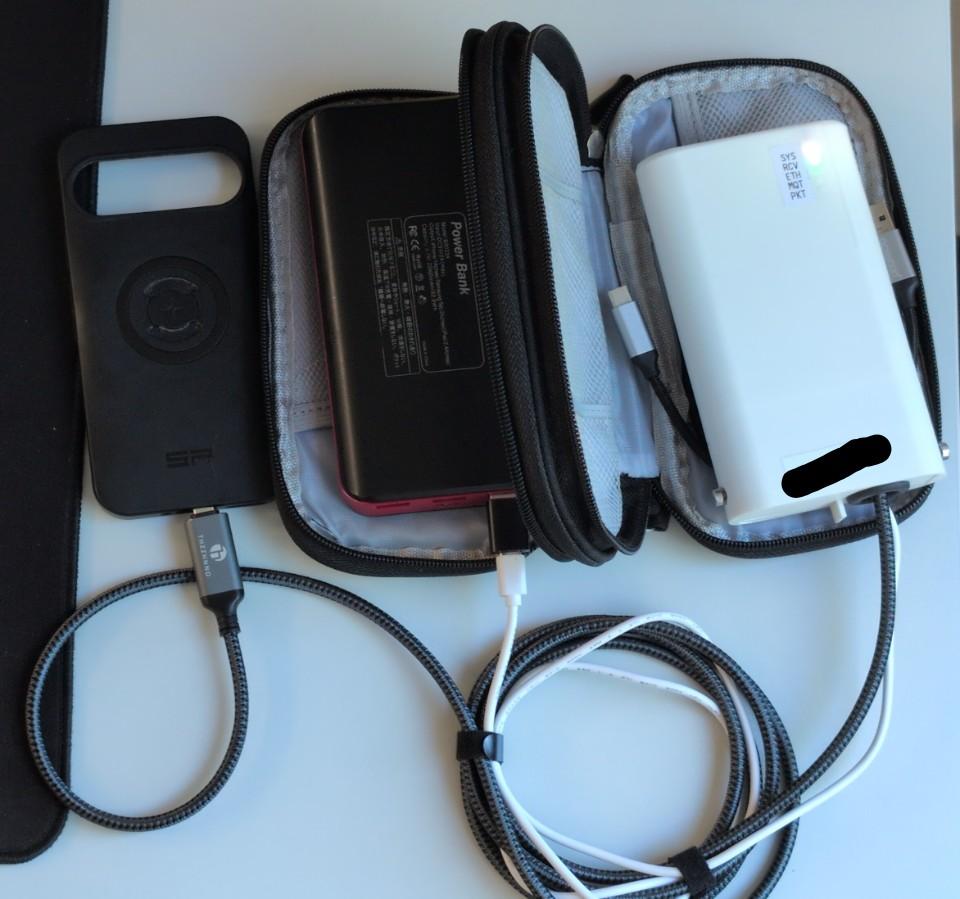
Hardware
- OTM-Node
- Powerbank
- USB-C to Ethernet cable (for example https://www.amazon.de/dp/B0DDKPSNBQ
- USB-C cable
- Case/pouch with 2 compartments - one for the OTM-Node the other for the powerbank
- Optional: USB-C OTG Adapter to connect the OTM-Node and charge the smartphone simultaneously (for example https://www.amazon.de/dp/B0DCBNGXKG)
- Optional: additional USB-C-cable
Connection
- OTM-Node ↔ USB-C-Ethernet-Cable ↔ smartphone
- OTM-Node ↔ powerbank
- Optional: powerbank ↔ OTG-Adatper ↔ smartphone
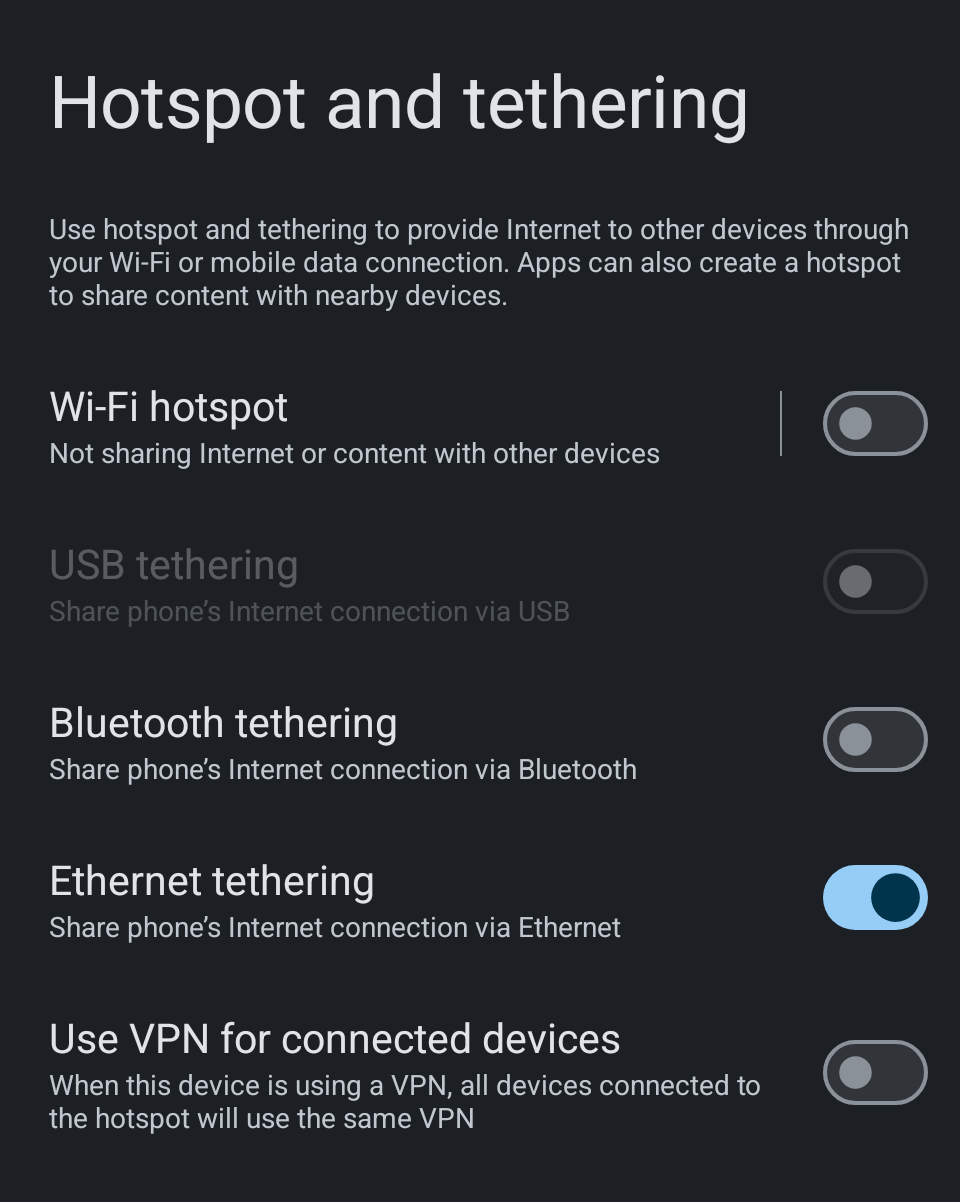
No additional software required, activate on Android “Ethernet Tethering” in network settings. Option becomes available after connecting the cable/adapter.
DIY Receivers
Fixed Setups
Mobile Setups
FireBeetle 2 ESP32-C5 + W5500 + power bank + ZTE MU5001 HyperMobile 5G
Mobile setup with a 5G router that has an Ethernet port

Node + Mikrotik mAP lite + mobile Phone
The Mikrotik mAP lite (https://mikrotik.com/product/RBmAPL-2nD) provides a Wi-Fi uplink to a mobile phone (tethering), offers Ethernet for the board, and additionally creates a Wi-Fi access point (AP) for network access. The “AP” LED indicates the connection to the MQTT server. Power is supplied to both via USB or USB-C from a power bank.


en/hardware/setups.txt · Last modified: by xanadu